
Name-Based Case Searches
The Cherokee Clerk Case Search takes a party name in its public Docket Feature. The official instructions advise Last Name, First Name when a case-number search comes up empty. Format matters. A name may be indexed in many roles. Plaintiff, defendant, petitioner, respondent, or another party can all appear. Match any result against the court, case style, and other details before trusting it as the right matter.
Pick the specific court category first. Civil Search asks for Party Name and CSE number. Criminal and Magistrate Search ask for Party Name and Alias. A system-wide option can widen a local category, though it is not one statewide database. City municipal cases, Probate and Juvenile matters, and federal cases each take separate routes.
A name search works best with spelling copied from a court notice or filed document:
- Open the Cherokee Docket Feature and choose Civil, Criminal, Magistrate, or the applicable local search choice.
- Enter the party name in the format used by the official instructions.
- Review more than one result when the name is common or the case category is unclear.
- Open the plus control and compare the court, parties, judge, dates, and posture.
- Ask the Clerk for a complete or certified record when a docket line does not answer the question.
The search is only an access route. It cannot replace the clerk-held file, and a correct result can still hide a sensitive pleading from remote view.
Cherokee Last Name, First Name Fallback
Last-name-first is a practical fix when a search returns no case. It can also explain why a number search failed. The identifier may carry a typo, the matter may sit under another category, or the record may belong to a city, Probate, Juvenile, or federal office.
Change one input at a time. Try the official name format first. Then check the court category and the system-wide choice. If a criminal matter may use an alias or citation number, use the field named in the Criminal or Magistrate instructions. The official PDF leaves a fourth search category unnamed, so do not invent one.
| Search problem | Next Cherokee step | Why it helps |
|---|---|---|
| Name returns no case | Try Last Name, First Name. | Matches the official instruction tip. |
| Case number returns no case | Check the court category and re-enter the number exactly. | A county matter may be indexed in Civil, Criminal, or Magistrate Search. |
| Criminal name is uncertain | Try Alias or Citation number where the category provides it. | Those are explicit Criminal Search choices. |
| City citation is absent | Contact the issuing municipal court. | City payment and docket systems are separate. |
When the indexed search misses a matter you know exists, the Clerk's public terminal and department phone lines offer a human fallback.
Case Number Searches
A case number is the identifier the clerk assigns to a matter. Cherokee's public instructions publish no universal format. Copy the number straight from a notice, pleading, citation, or clerk communication. Do not guess a year, court code, or digit count. The field inventory lists the local example simply as Case #. The public source says no more.
Case # appears in Civil, Criminal, and Magistrate choices. Enter it in the category where the case was filed. Then open the green additional-information control or the plus sign beside the result. A number can locate a docket. The document may still be blocked, restricted, or available only from the clerk.
Case-number searching is often fastest when you have the number in hand. It still does not replace checking the court and the current date. A federal or municipal identifier does not become a Cherokee Clerk case number just because it contains digits.
| Identifier | Clerk-assigned case number, entered exactly as shown in the source document. |
|---|---|
| Category | Civil, Criminal, Magistrate, or the appropriate local court search choice. |
| Result controls | Green additional-information control and plus expander when a result is available. |
| Record boundary | Online docket view, complete file, and certified copy are separate access products. |
Case Search Results Explained
A found result can lay out a case's overall posture, parties, judge assignment, court dates, and docket activity. It may include a disposition or closure line. That answers whether a case sits in the local register and which event to ask about. It does not create a certified document or expose every protected attachment.
Read a result in layers. The case number ties the matter to the clerk. Party names identify the indexed participants. A setting is a scheduled event, and a disposition is an outcome or closure entry. A filed motion, order, judgment, transcript, or exhibit is a separate document behind the entry.
| Parties | Indexed names connected with the case style or filing. |
|---|---|
| Court and judge | The court and judge assignment shown by the available display. |
| Dates | Scheduled court events that should be confirmed against the current notice or calendar. |
| Posture | The overall state of the case as displayed by the Clerk's convenience view. |
| Docket entry | A register line that may describe a filing, order, hearing, plea, or disposition. |
| Document | The separate filed paper or electronic record behind the docket line. |
When the record itself matters, take the Cherokee County Court Case Records request route and name the document you seek.
Cherokee Re:Search's 18-County Layer
Re:Search is the Clerk's account-based product. Attorneys and paralegals with a registration can pull case information. It covers 18 Georgia counties in one place. That is a much wider net than the anonymous Cherokee Docket Feature. Think of it as a registered search service for a broader audience, not a substitute for the local public portal.
The Georgia Judicial Gateway E-Access layer works on the same model. Its official directory sends users to participating providers. Each provider requires an account. Georgia has no single statewide portal that blends every Cherokee case into one anonymous result.
A broad search still helps you learn which county or provider holds a record. Once you land on Cherokee, the picture changes. The local Clerk, the court notice, and the county Docket Feature are what carry the case-specific register and its access limits.
| Route | Access character | Use it for |
|---|---|---|
| Cherokee Docket Feature | Local public convenience search | Case number, party name, CSE, criminal alias or citation, dates, posture, and docket expansion. |
| Georgia Judicial Gateway E-Access | Directory and provider redirect with account requirements | Finding a participating provider, not one combined anonymous database. |
| Re:Search | Account-based broader Georgia layer described for attorneys and paralegals | Searching participating counties across a wider registered-access network. |
| PACER | Federal court account route | Northern District of Georgia and other federal dockets, not Cherokee county cases. |
Name the access layer correctly, and you will not confuse an account directory or a federal index with the actual county docket. The Georgia Judicial Gateway E-Access directory is the official word on the provider-and-account model.
Two Ways to Search: County and State
Cherokee's county search is the straight local route. It gives you the Clerk's Docket Feature plus the court categories laid out in the official instructions. The state layer works differently. E-Access routes users to participating providers, while Re:Search offers account-based access for the audience the Clerk describes. Neither is a single public Cherokee case database.
For statewide context, the Georgia Judicial data and statistics portal publishes aggregate court-workload dashboards. Those dashboards track workload trends, not individual cases. They will not surface a Cherokee docket entry.
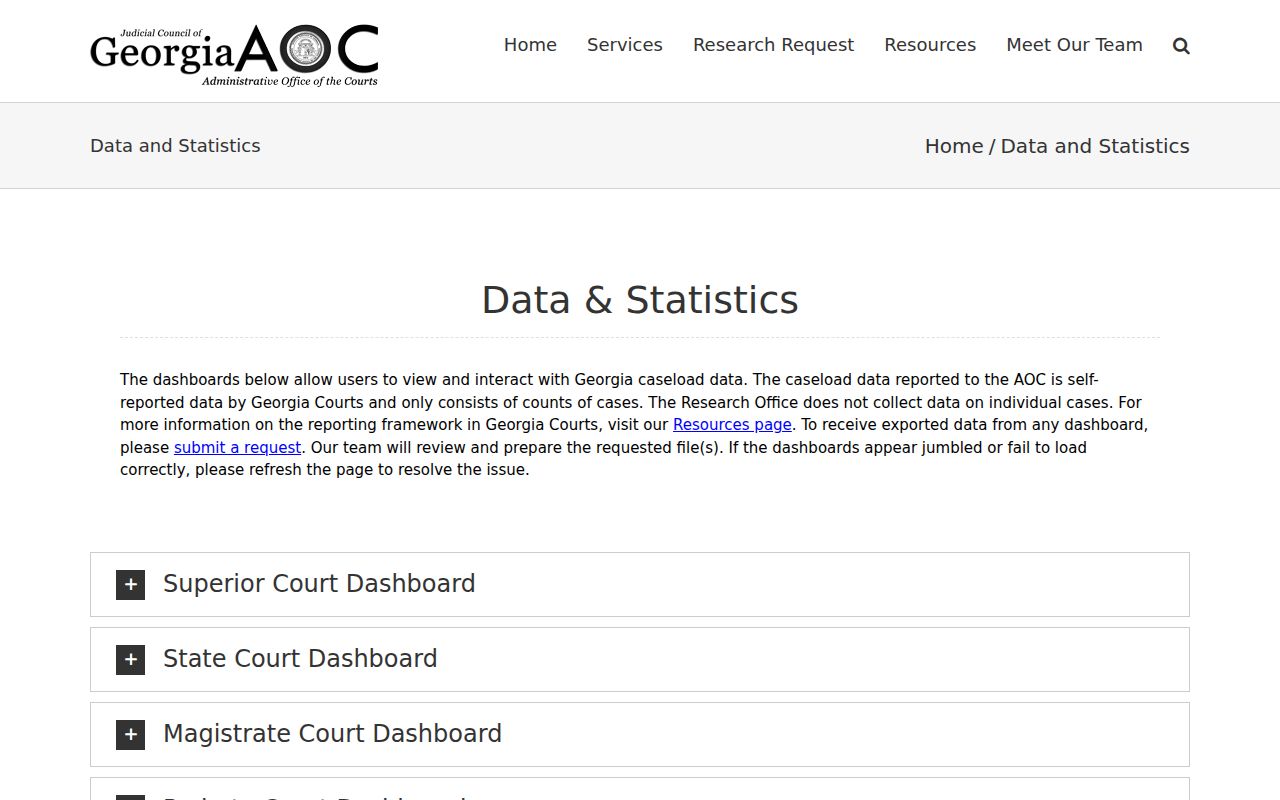
Statewide court data is good for understanding court systems and aggregate workload. The case-specific search still belongs to the local Clerk portal.
| Question | County route | State or federal route |
|---|---|---|
| Where is an adult Cherokee case indexed? | Cherokee Clerk Docket Feature. | Re:Search or E-Access only where account and provider rules allow. |
| Where are court dates shown? | Local docket, judge calendar, citation, or notice. | No single statewide calendar replaces local confirmation. |
| Where is a federal case? | Not in the county Clerk search. | Northern District Atlanta Division through PACER or CM/ECF. |
| What do dashboards show? | Not a case-result source. | Aggregate court workload, not individual case records. |
A state directory can point you toward a provider. What a case result or document actually contains is still set by the local clerk who keeps it.
Cherokee eFileGA Is a Filing Route
Odyssey eFileGA is the electronic filing vendor the Clerk links to. Registered users submit filings there. They reach certain e-filed material. It is not the public Docket Feature. A filing portal can confirm an account or a filing task. But that is not an anonymous county-wide case search.
Georgia's official e-filing directory spells out the account and provider model. Cherokee's historical SB 407 notice also describes mandatory civil e-filing and a public-access kiosk. Its fee figures date from an earlier era. Confirm current filing rules and access steps with eFileGA and the Clerk.
The official record for this filing route is the Odyssey eFileGA landing page.
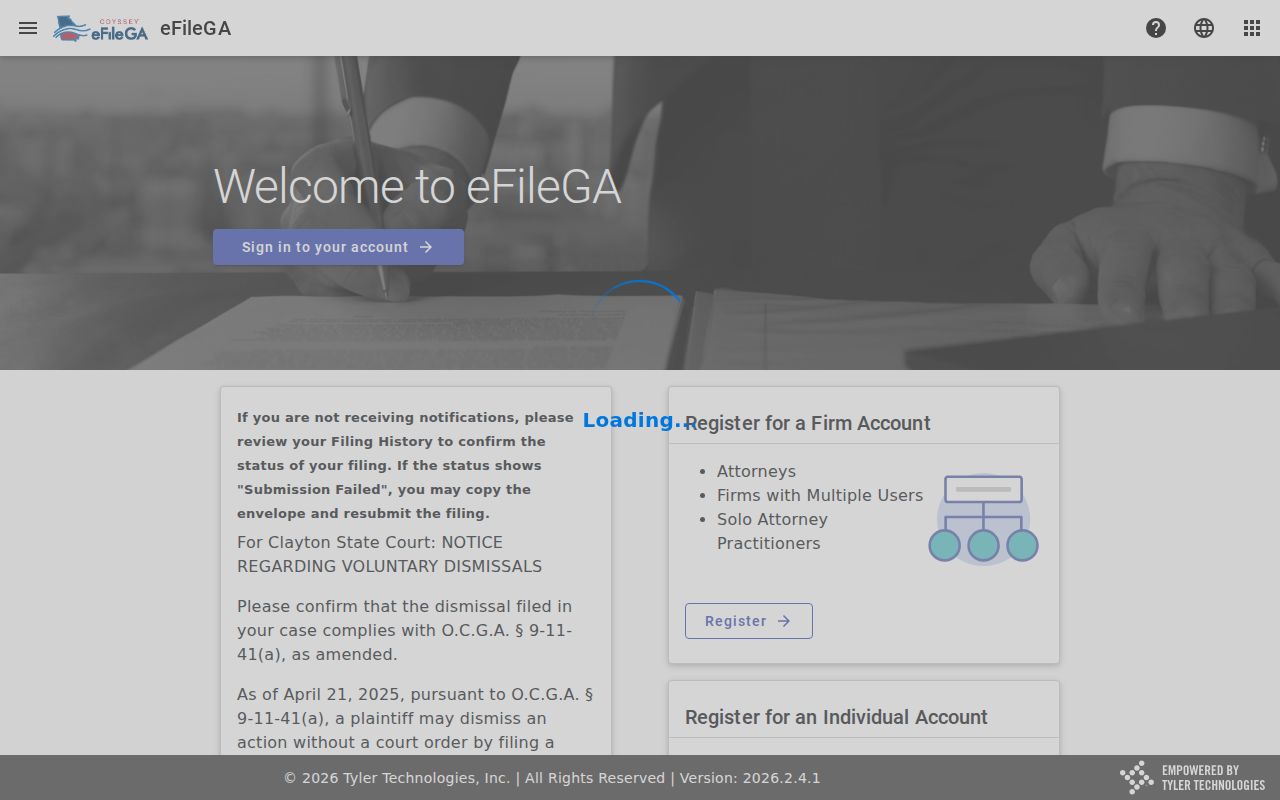
The filing interface is its own access layer. A docket searcher should not mistake it for a public replacement for the Clerk's Docket Feature.
Need a document behind a docket line? Use the clerk's copy process, and name the case, the document title, and the copy type you want.
Which Cases Stay Restricted
Georgia law shapes what a Cherokee docket shows the public. Court rules and the custodian's access procedure matter too. Protected identifiers under O.C.G.A. § 9-11-7.1 must be redacted from public civil filings. A filing may arrive unredacted. It may then be submitted through a seal request and proposed order under the applicable rule. Juvenile files and indexes carry their own statutory and court-order limits. Sealed federal documents never appear in PACER public search results.
The Georgia Open Records Act sets a broad baseline for inspecting and copying public records. Exemptions and court orders still control. The countywide request form covers records held by the named county department. Adult Superior, State, and Magistrate case records belong with the Clerk of Courts. Juvenile and Probate records sit with their separate clerks. City and federal matters answer to their own custodians.
Access rules:
Georgia Open Records Act, O.C.G.A. §§ 50-18-70 through 50-18-72 provides the inspection and copying framework, subject to exemptions.
O.C.G.A. § 9-11-7.1 is named in the county civil form's redaction certification.
Uniform Superior Court Rules 21.6, 36.16, and 36.17 provide the relevant filing-under-seal, electronic filing, and sensitive-information framework.
Cherokee Juvenile Court forms identify separate sealing, access, transcript, and recording procedures.
Handle any restricted result through the named custodian. If you need a certified record, ask the clerk which copy product and authorization apply.